










Copywhiz was formerly known as 'Piky Basket'.

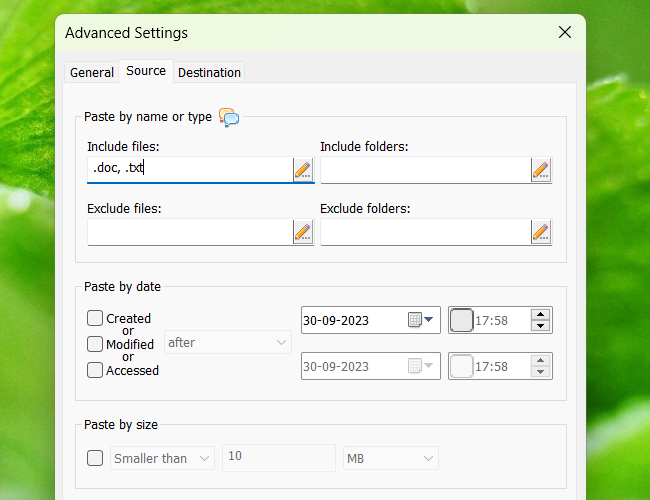
Copywhiz enhances your file copy experience in Windows. It offers more flexibility when copying files by letting you choose which type of files to copy & which to ignore.

With its popular collect & paste-at-once feature, Copywhiz lets you pick files from different folders and paste them all together.


ONE DAY SALE: Only on 29th July, Copywhiz will be available at 40% discount. You can purchase it for $11.95 instead of $19.95. Click here for details.


  • Save time using stick notes program like Notezilla

    Gain Control

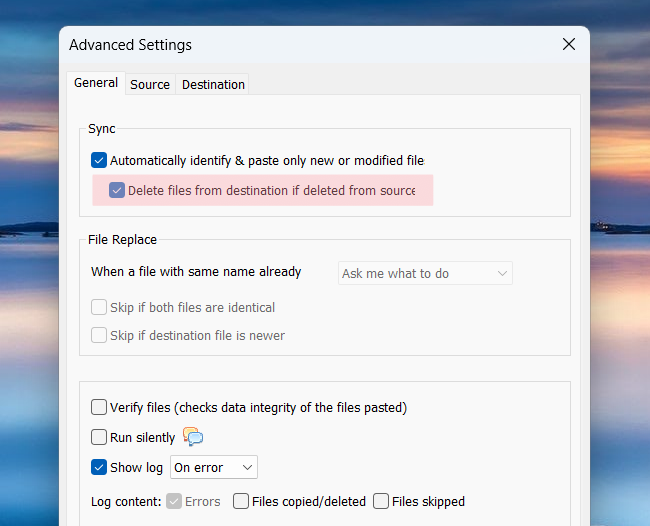
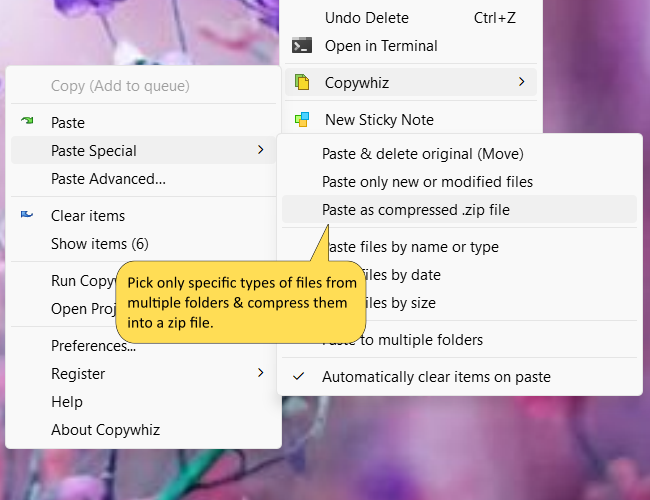
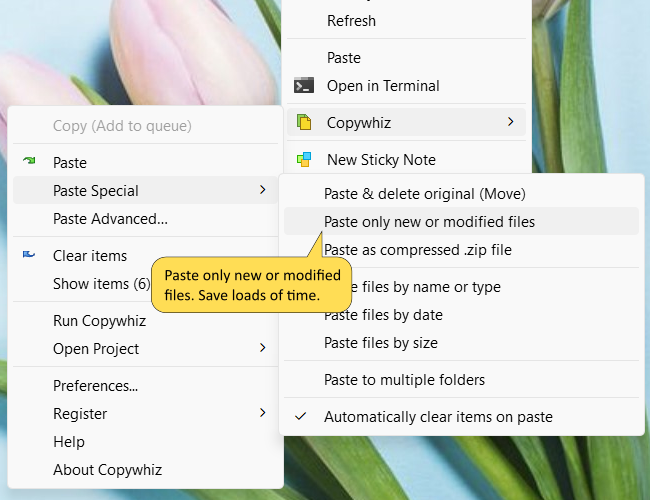
    Copywhiz allows you to copy only new or modified files or copy files based on file name or extension. You have the complete control.
  • Attach sticky notes to websites & documents

    Save Time

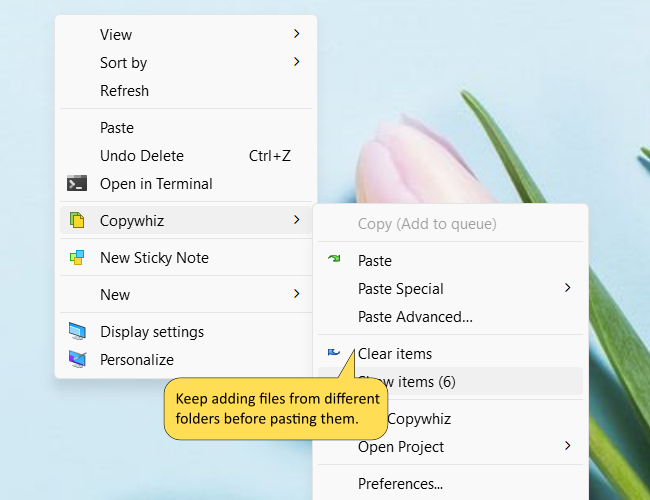
    Copywhiz lets you collect files from different folders and paste them all together. Saves time & effort.
  • Find sticky notes very quickly

    Play Safe

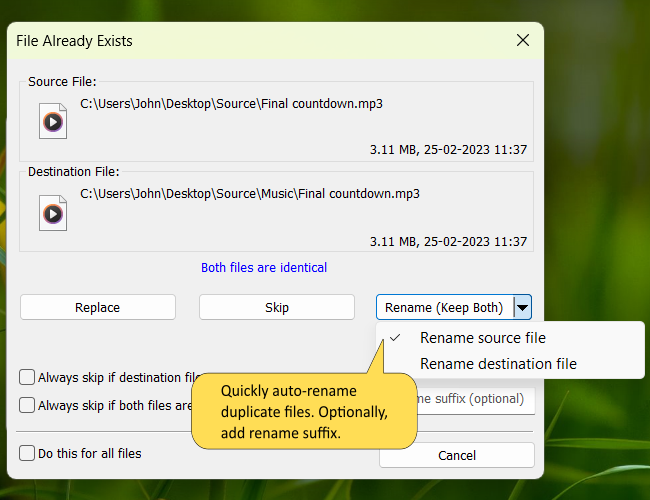
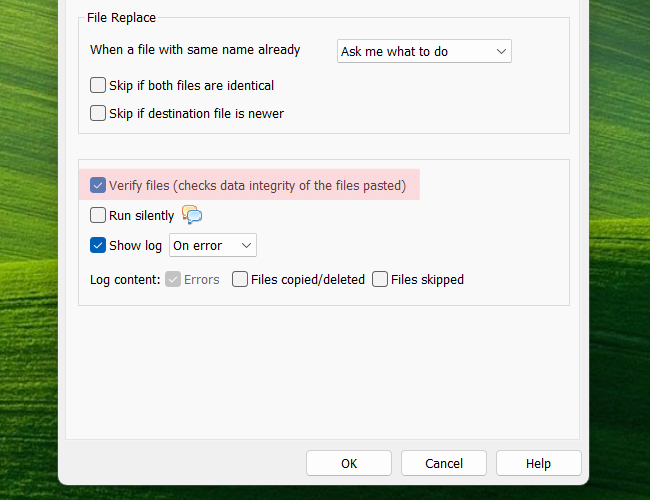
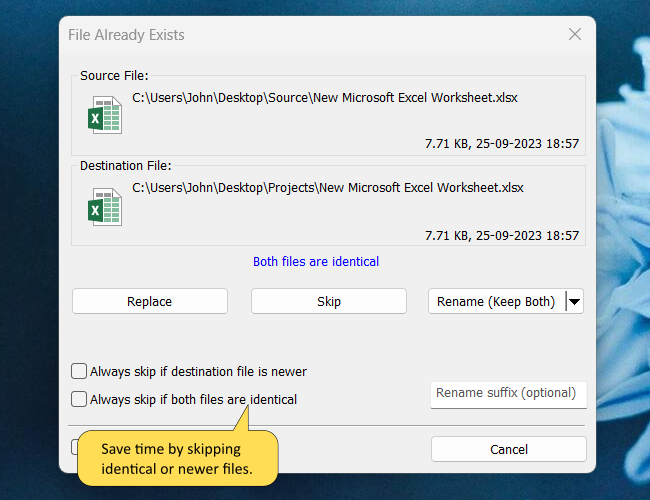
    When a duplicate file is found, Copywhiz allows you to replace the existing file if it is older or rename the file before copying the new file.
  • Write tasks, memos & reminders on desktop sticky notes

    Operate Hands-Free

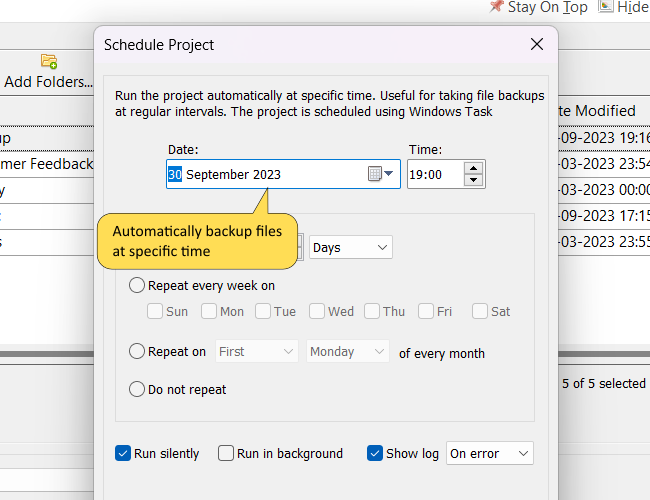
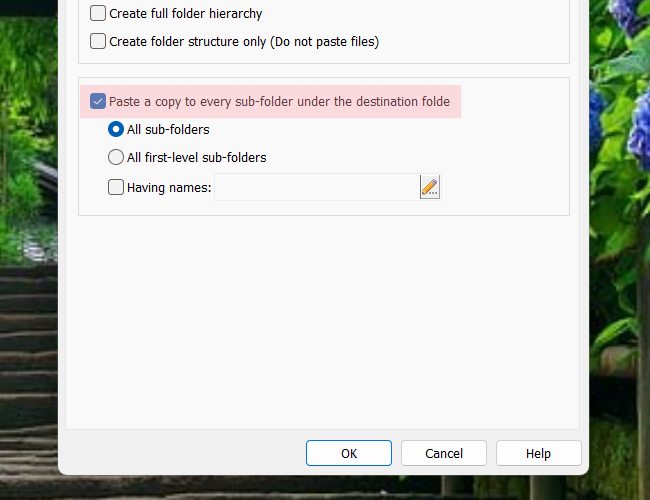
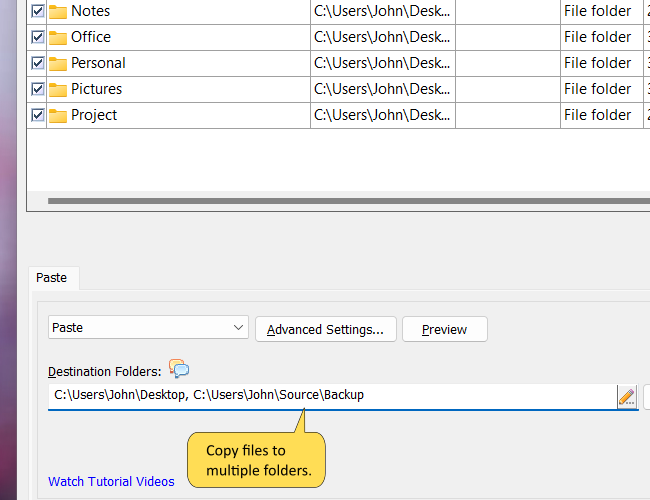
    Use Copywhiz command line options to automate file copy tasks. Copy files to multiple computers or multiple folders in a single click.
  • Organize sticky notes inside memoboards

    Enjoy Convenience

    Use Copywhiz right from within Windows Explorer. Also supports other file managers like Total Commander, xplorer2 , Directory Opus (dopus), RecentX, XYPlorer & ExplorerXP.
  • Write & forget with Notezilla sticky notes program

    Be Right The First Time

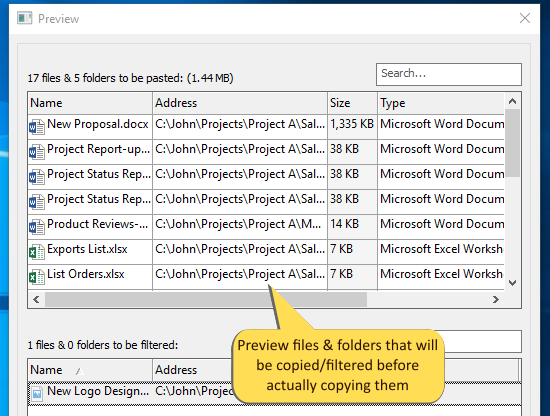
    Review list of files that will actually be copied. Ensure that no important file is left behind & no unnecessary file is copied.
  • Save money on paper post-it notes

    Stay Relaxed

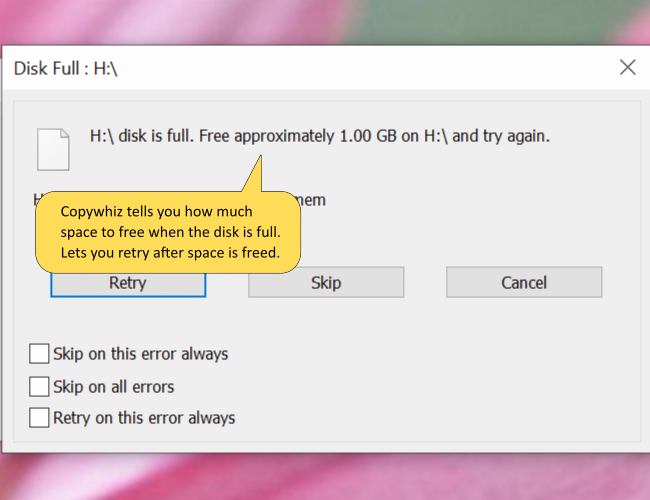
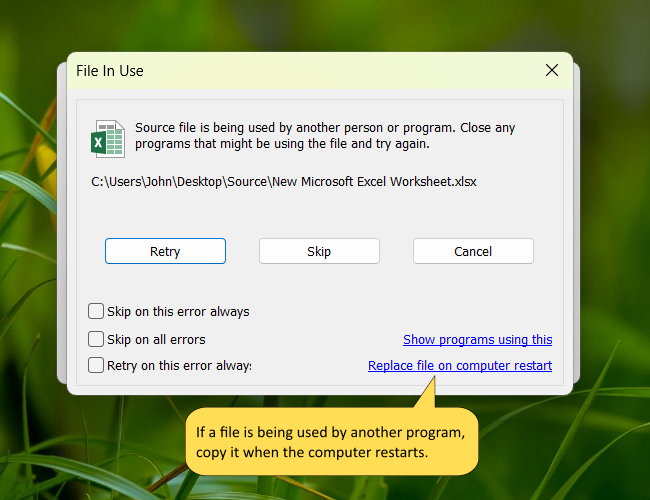
    Copywhiz lets you retry or skip a file on error. It does not stop abruptly if a file is in use or if the disk is full.
  • Write tasks, memos & reminders on desktop sticky notes

    Save The Effort

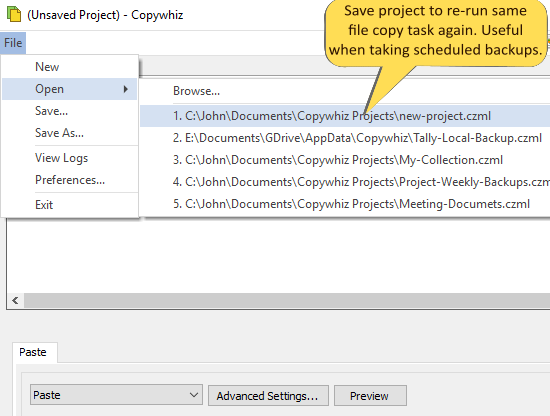
    Wish to copy the same set of files again? Just save the list in Copywhiz & re-use it in future.
Testimonials

First, thank you for such an outstanding utility! I use it constantly, and it works flawlessly!

- Jeff Owen

I’ve always wondered why there isn’t a better way to copy and paste files. Thanks for the tip off

- Leicester

Great tool that saves a ton of time. I do a lot of moving around on my computer with 5-7 drives attached to it. This tool makes it easy to navigate without having to remember where my information is. I definitely recommend this tool.

- rtshea

Very nice, handy, little program. I like everything about the program. There seems to be no limit on how much material you can put into the basket and since I work with large numbers of files, it's great for me. Also love piky folders.

- CNet User

This add on adds life to the copy paste function. I wonder why Microsoft don't provide this. I always had problem while copying best photos of my baby from different folders to one common folder. Now not any more..... Many thanks to the creative developers

- GotFocus

I love this program and cannot see it needing extra features. I've recently purchased a mp3 player and, of course, Piky becomes invaluble again. It's purrfect. You should be making a buck from this ... its sure worth it

- Bill

I usually forget Piky Basket is even installed, until I want it... and it's right there waiting for me with a simple right-click! It is my opinion that this is an app that no Windows computer should be without!

- Carrmuha

What will I use the program for?

For several file copying tasks that you do frequently

Copy files efficiently

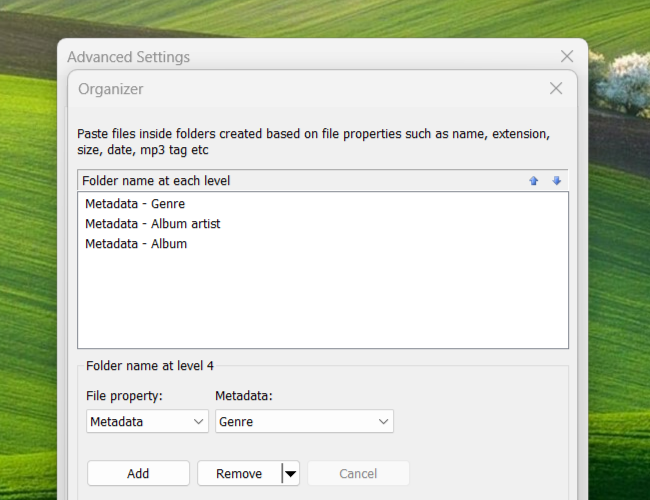
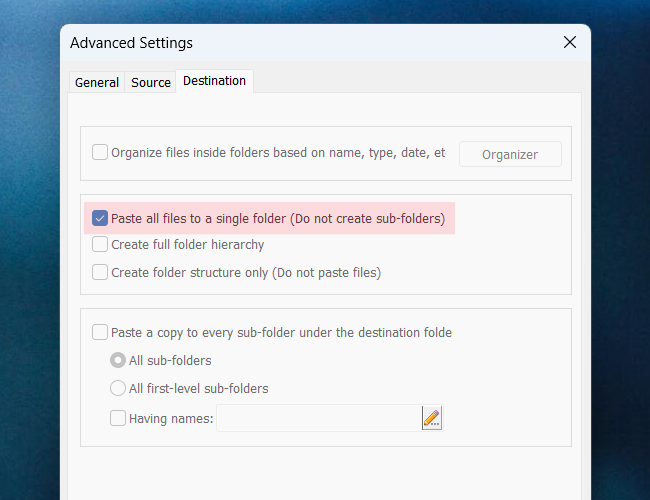
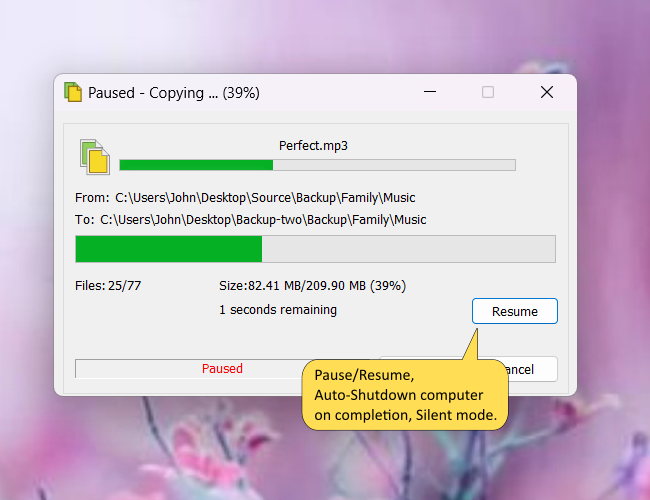
Copy files faster in Windows, organize your documents, videos, pictures and mp3 music files, take simple file backups, compress files from different locations into one .zip file, save files list for frequent copying , burning a CD/DVD containing files/folders from different locations, filter files based on file type, size or date, rename source or destination file instead of overwriting ,copy files to multiple destination directories, automatically shut down computer after copying files, replace files on reboot, copy from multiple folders to single folder, find which program has locked a file etc.